TL;DR
The fastest way to export Gemini chats to PDF: Install Toolbox for Gemini (free Chrome extension), open your chat, click "Save Chat" → "Export to PDF". Done in 2 clicks.
Google Gemini is great for research, coding help, and creative work - but what happens when you need to save an important conversation? Maybe you want to share it with a colleague, archive it for later, or include it in documentation.
Unfortunately, Gemini's built-in sharing options are limited. You can copy-paste (which loses formatting) or share a link (which requires a Google account). There's no native PDF export.
The solution: Use Toolbox for Gemini, a free Chrome extension that adds one-click PDF export to Gemini. Here's how it works.
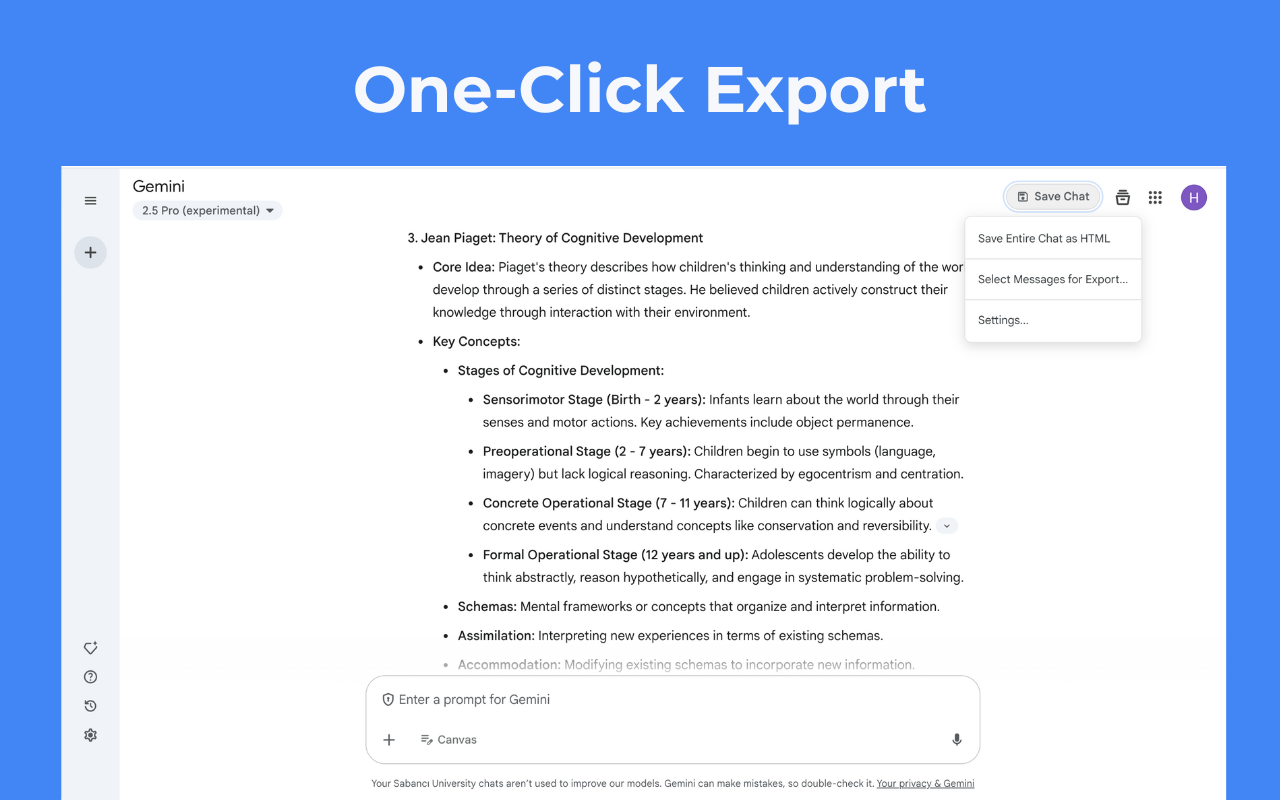
Step-by-Step: Export Gemini to PDF
Step 1: Install Toolbox for Gemini
Go to the Chrome Web Store and click "Add to Chrome". The extension installs in about 30 seconds.
Note: The extension only requests access to gemini.google.com - it can't see any other websites you visit.
Step 2: Open Your Gemini Chat
Navigate to gemini.google.com and open the conversation you want to export. You'll notice new Toolbox controls appear in the interface.
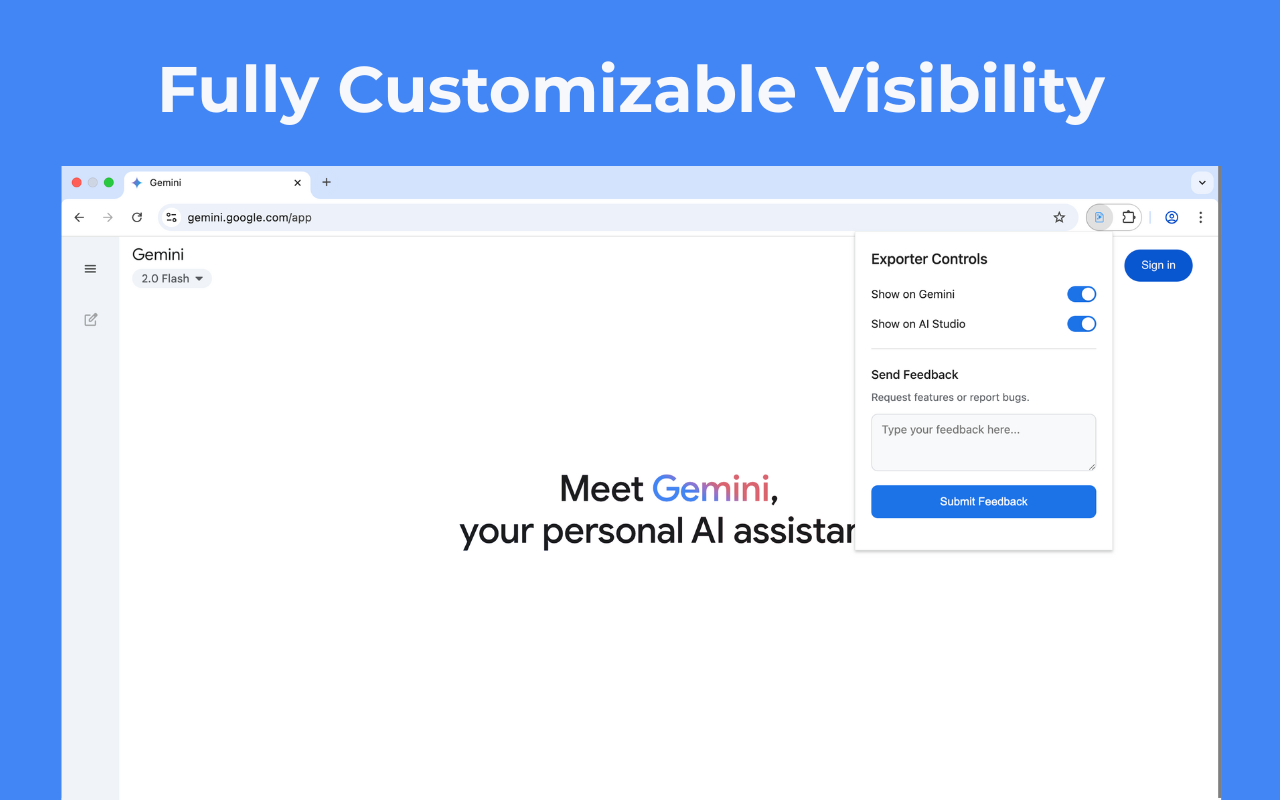
Step 3: Click Export to PDF
Click the "Save Chat" button, then select "Export to PDF" from the menu. Your conversation downloads instantly as a clean PDF file.
What's preserved: Headings, bullet points, code blocks with syntax highlighting, links, and images. The PDF looks exactly like your Gemini chat.
Why Use This Method?
Compared to other approaches, Toolbox for Gemini offers several advantages:
- Preserves formatting: Code blocks, lists, and headings look perfect
- One-click process: No copy-paste, no reformatting
- Works with any chat length: Even 100+ message conversations export cleanly
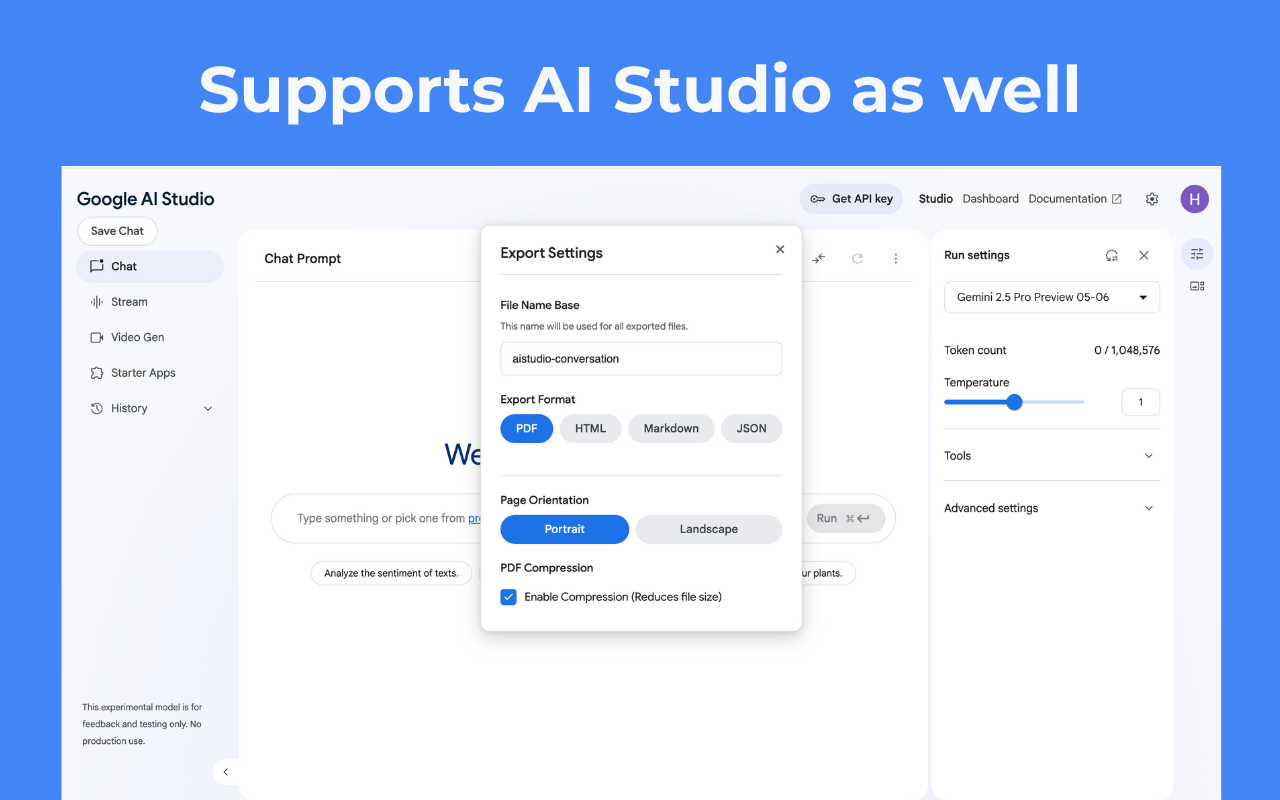
- Multiple formats: Also supports HTML, Markdown, and JSON export
- Free to use: Core features don't require payment
- Privacy-focused: All processing happens locally in your browser
Other Export Options
Toolbox for Gemini also supports these formats:
- HTML: Perfect for embedding in websites or documentation
- Markdown: Great for Notion, Obsidian, or GitHub
- JSON: Useful for developers who want to process the data
Frequently Asked Questions
Is this free?
Yes, PDF export is available on the free plan. Some advanced features (like bulk export) are part of the Pro upgrade.
Does it work with Gemini Advanced?
Yes, Toolbox for Gemini works with all Gemini versions including free, Advanced, and Workspace accounts.
Is my data safe?
Absolutely. The extension processes everything locally in your browser. Your conversations never leave your device or get sent to any server.
Can I export multiple chats at once?
Yes, the Pro version includes bulk export. You can select multiple conversations and export them all as separate PDFs in one operation.
Ready to Export Your Gemini Chats?
Join 5,000+ users who use Toolbox for Gemini to organize and export their conversations.
Install Toolbox for Gemini - Free4.7★ rating • Works instantly • No account required
Conclusion
Exporting Gemini chats to PDF doesn't have to be complicated. With Toolbox for Gemini, it's literally two clicks: open your chat, click export. The free Chrome extension handles all the formatting, giving you a professional-looking PDF in seconds.
Whether you're saving research, archiving important conversations, or preparing documentation, this is the fastest and cleanest method available in 2026.
Not affiliated with or endorsed by Google LLC. "Gemini" is a trademark of Google.